Material Target and Description
This material describes how to install Oracle Linux 7.9 on a VM machine that can then be used as a seed to install Oracle software products, like Oracle Database, Clusterware, Enterprise Manager, Weblogic.. etc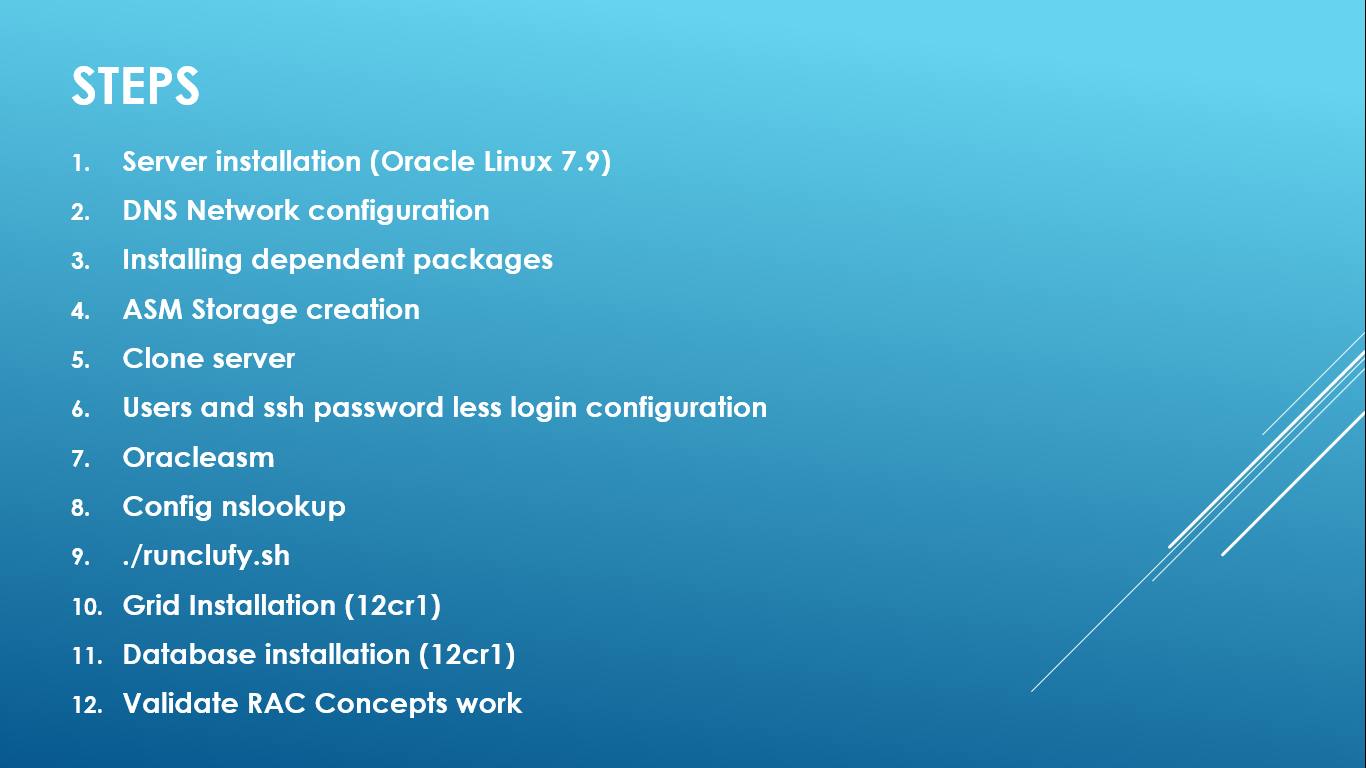
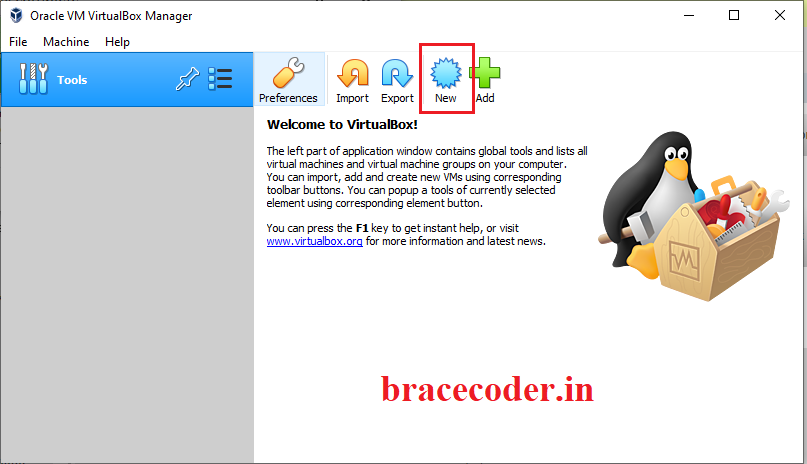
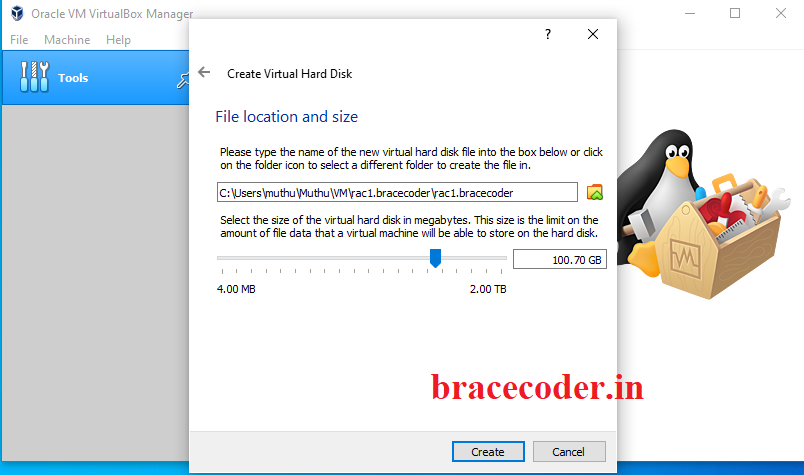
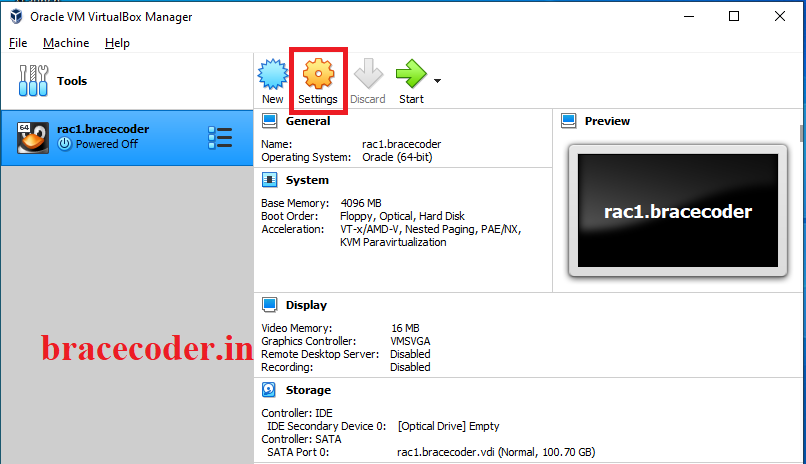
Create a new VM
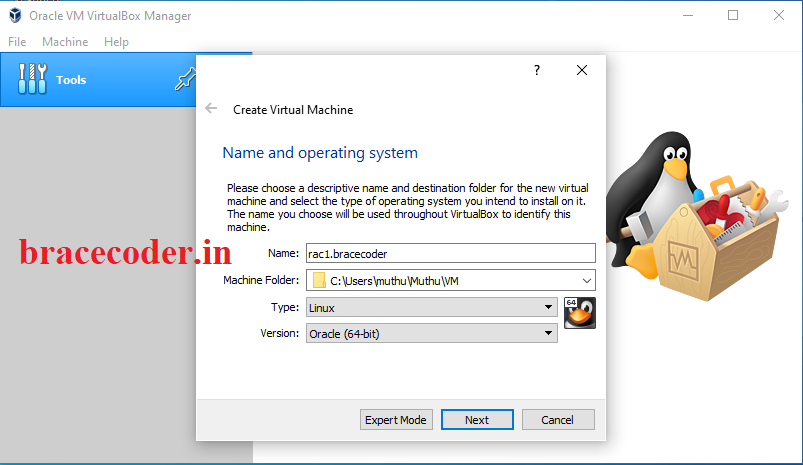
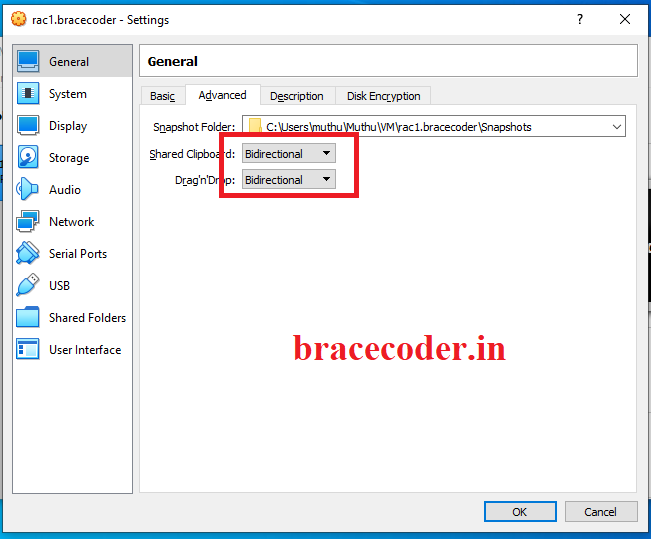
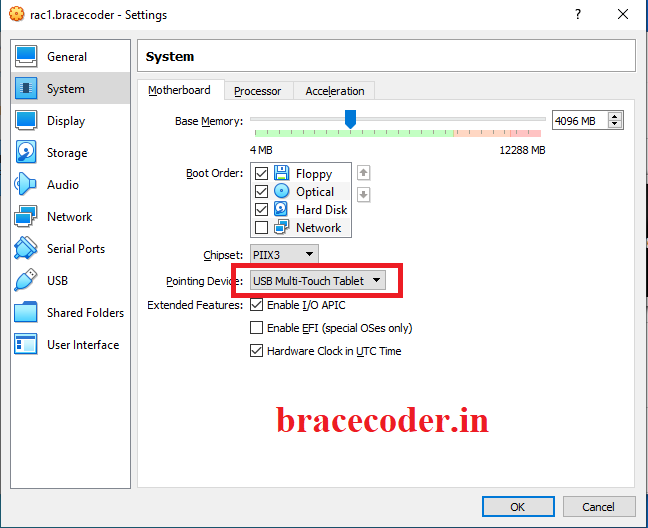
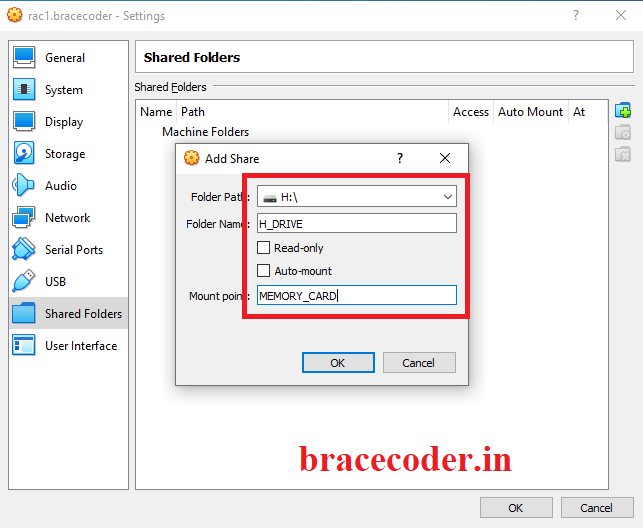
Make some changes on the settings:
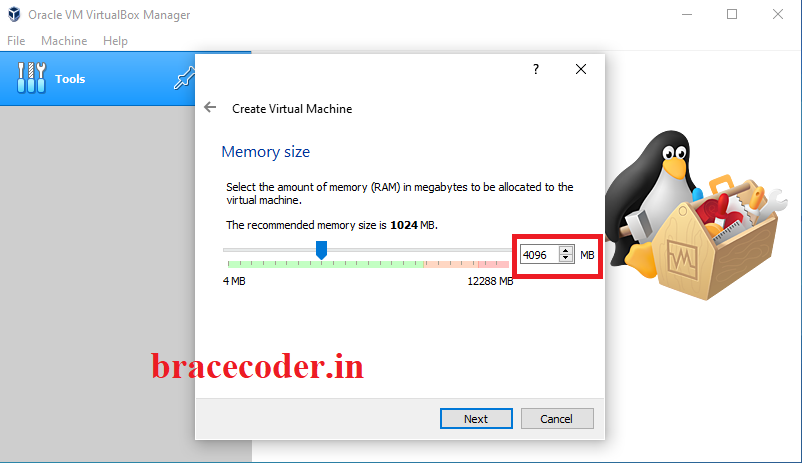
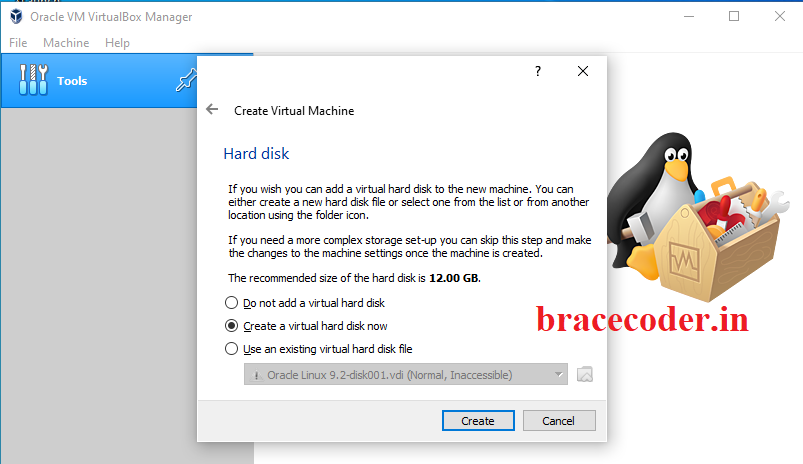
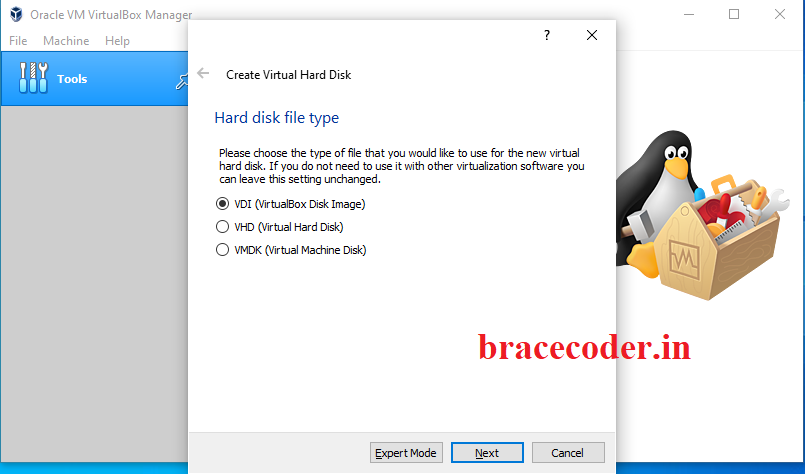
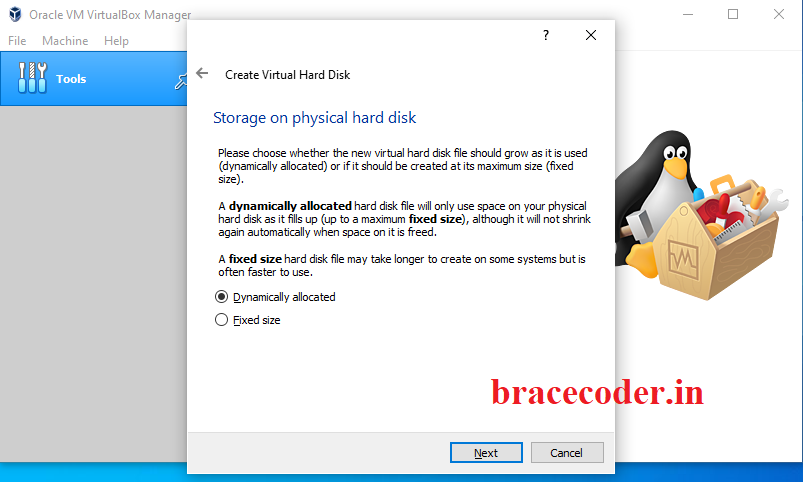
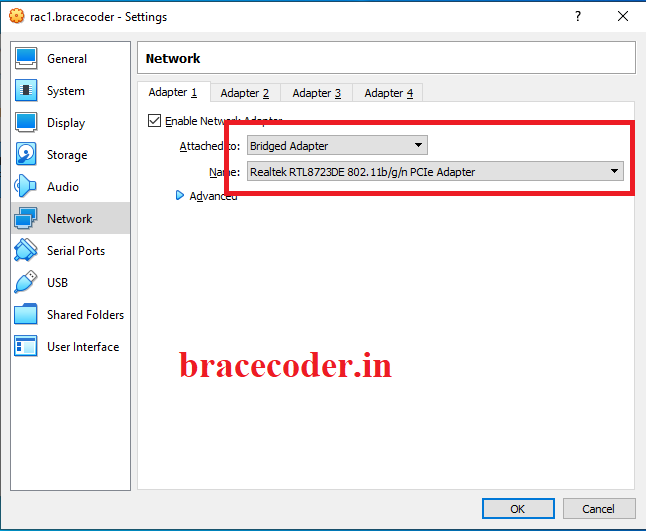
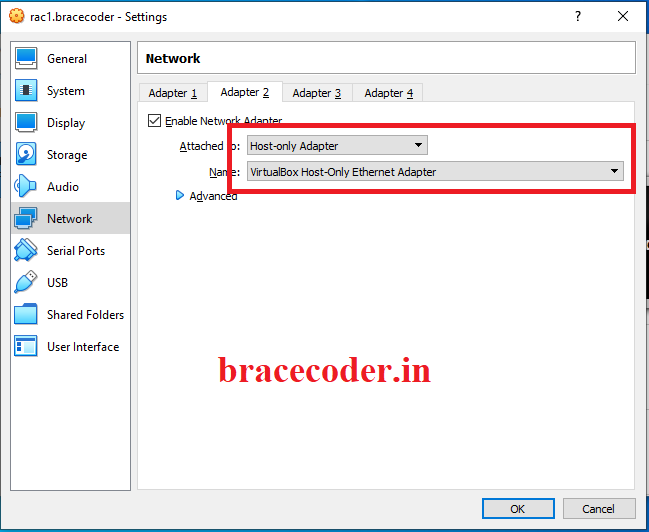
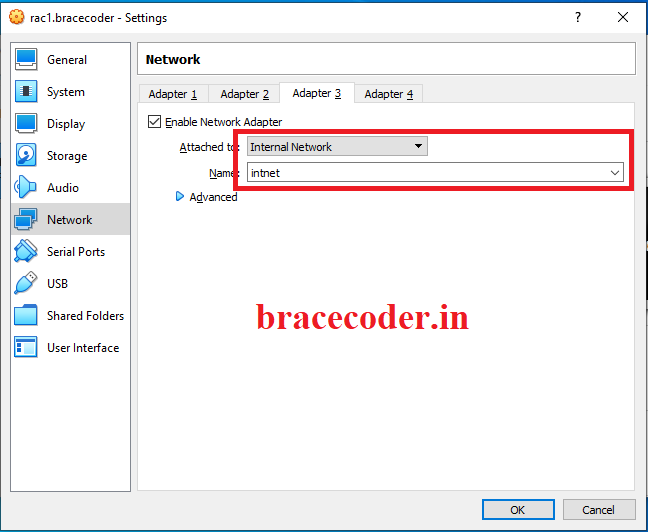
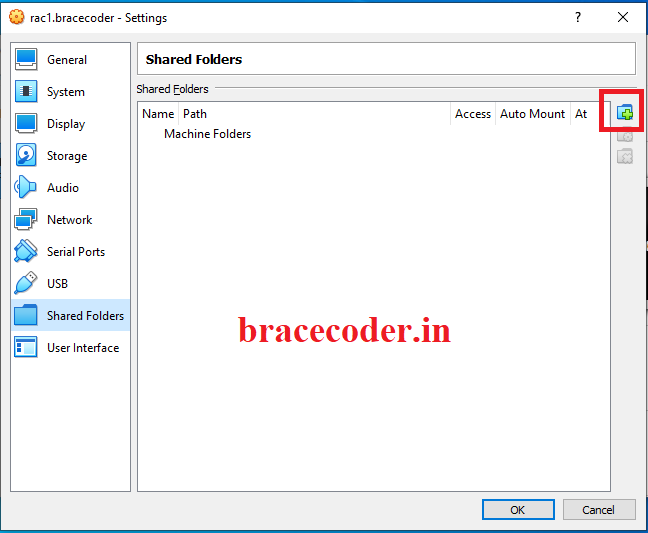
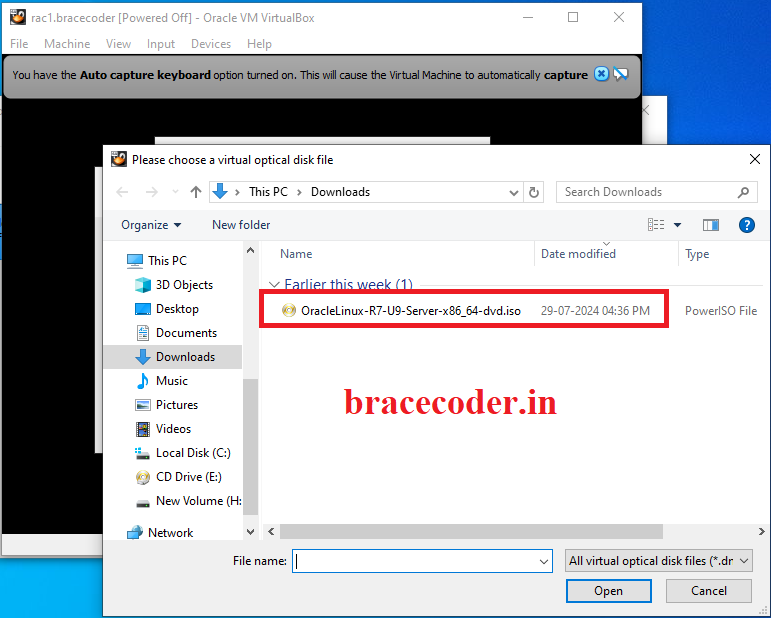
 Select the ISO file.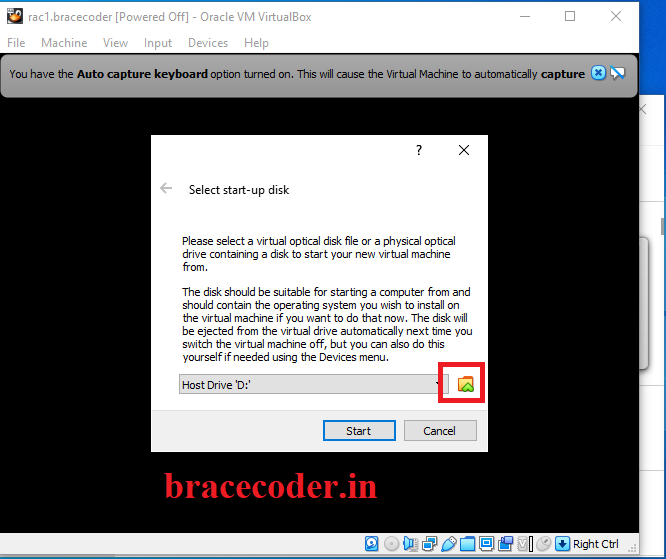
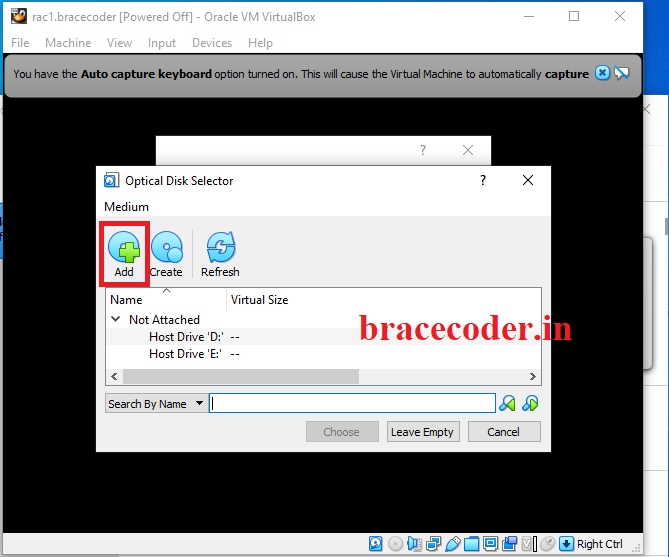
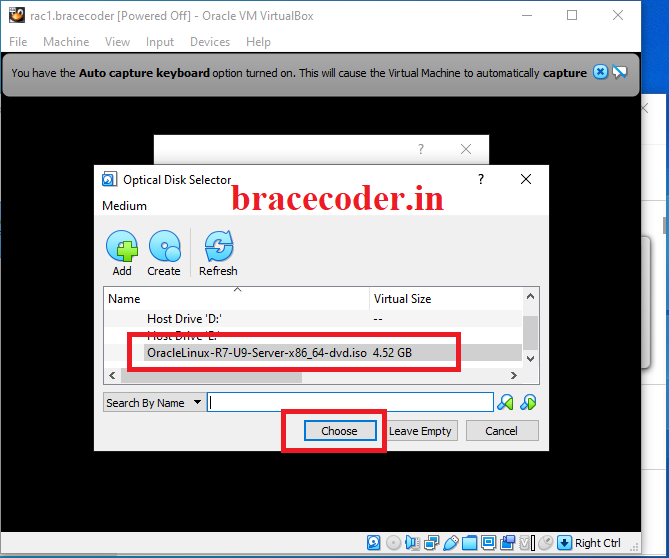 Click Start
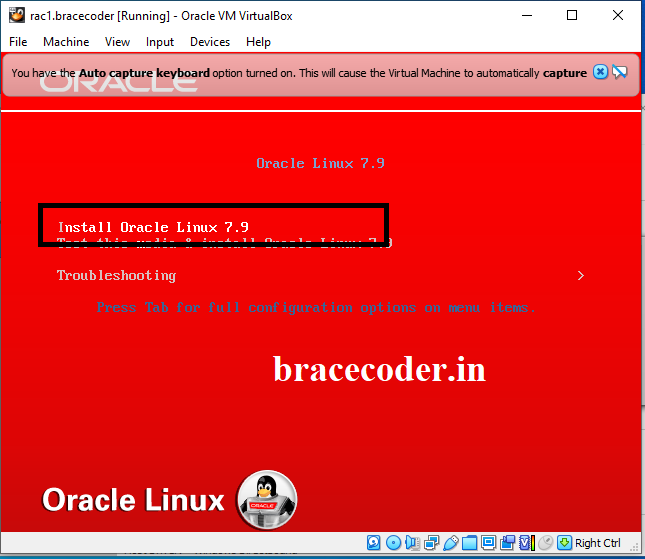 start the installer and install the OS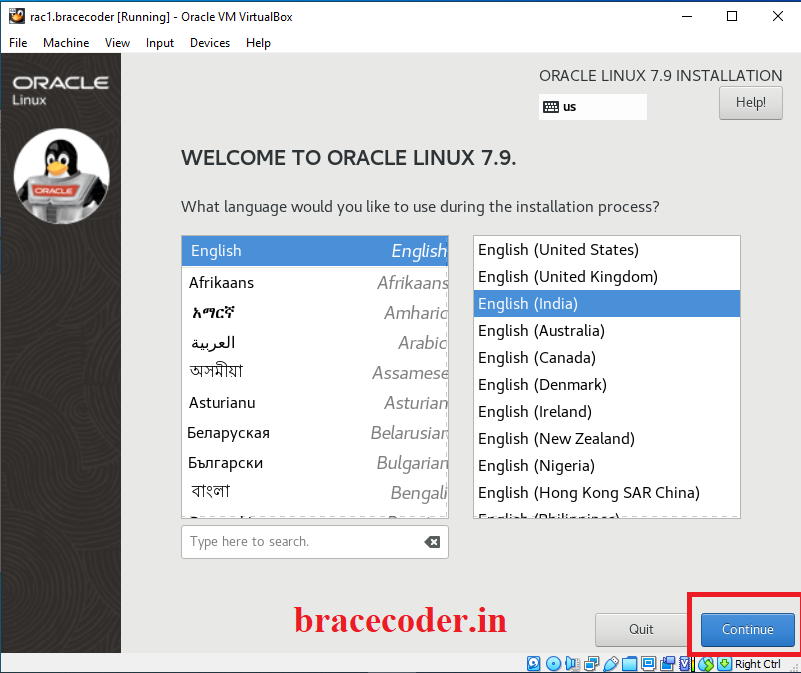
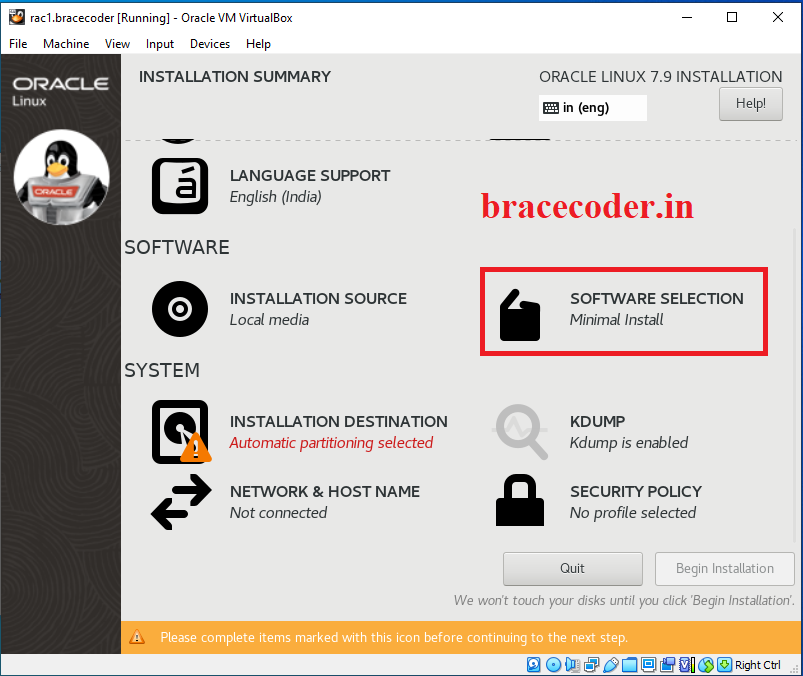
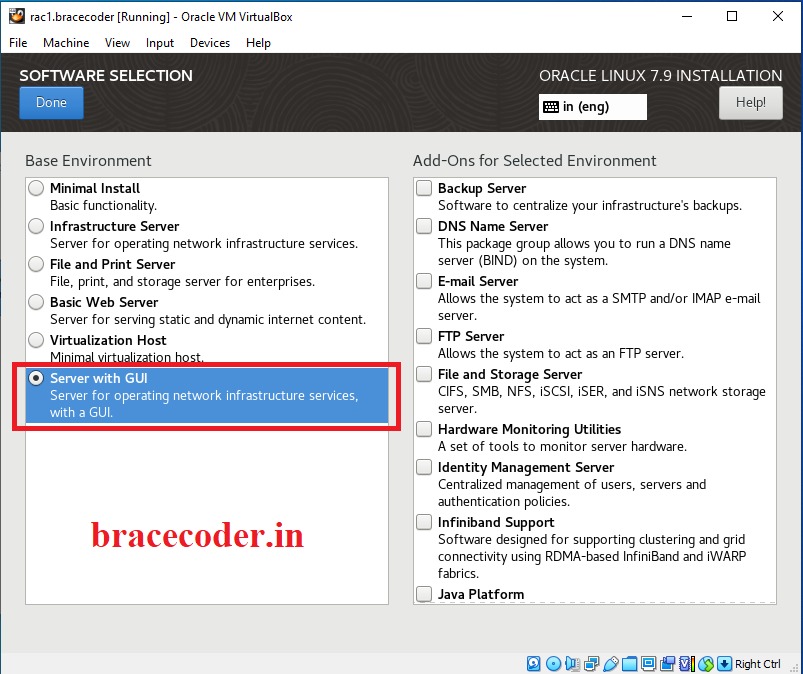
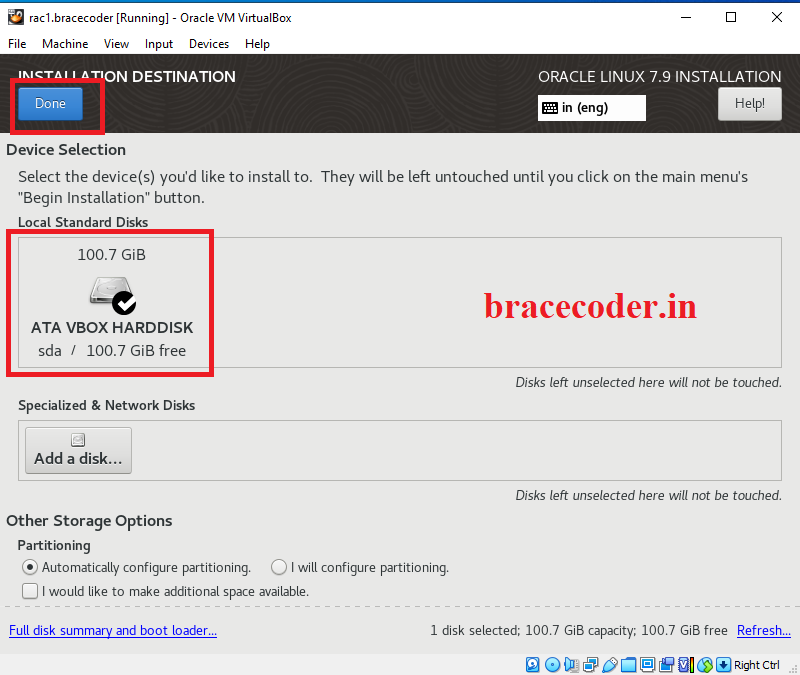
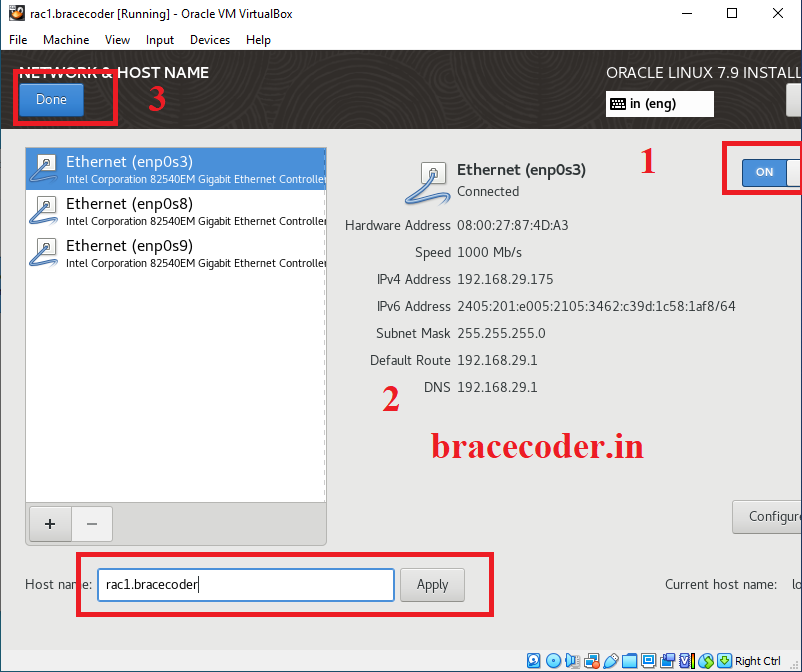
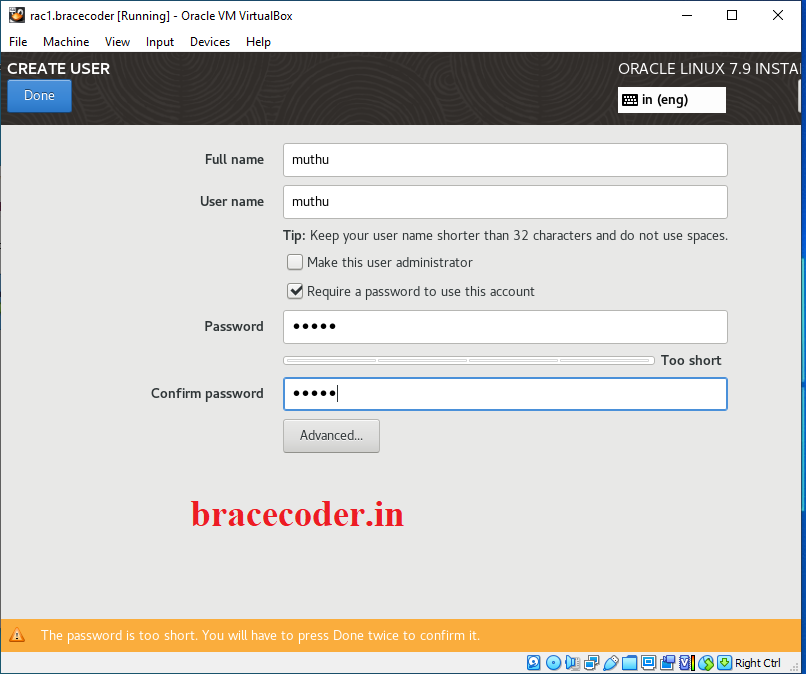
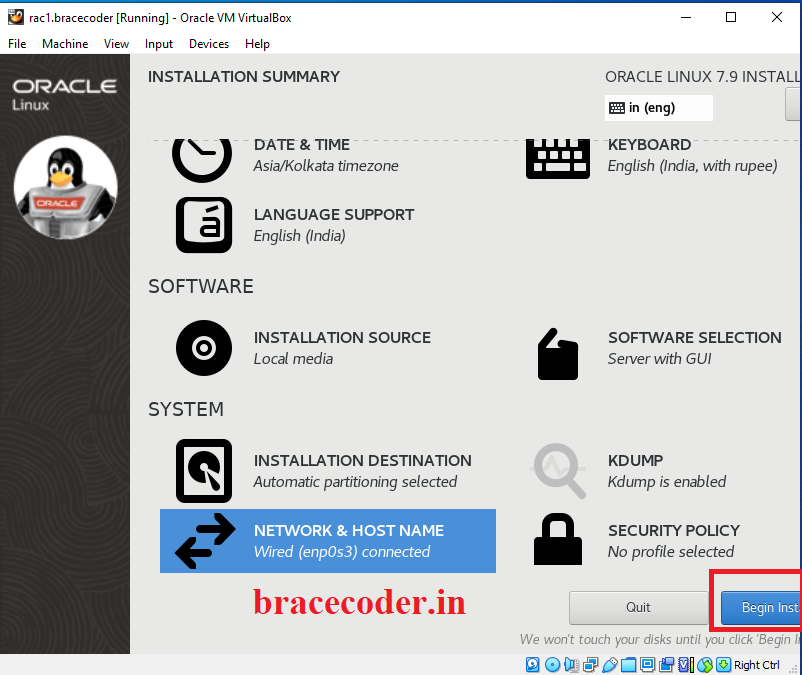 Create new user as your own name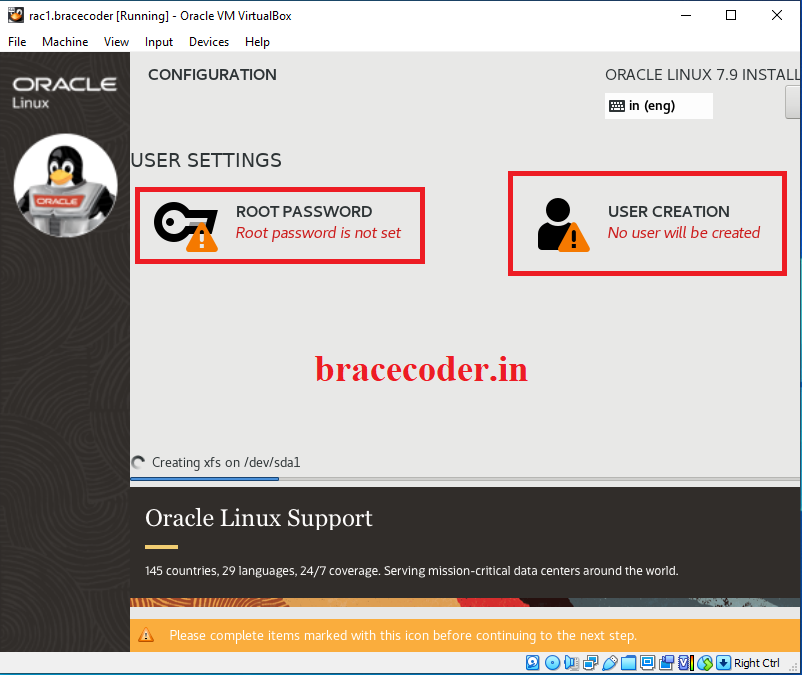
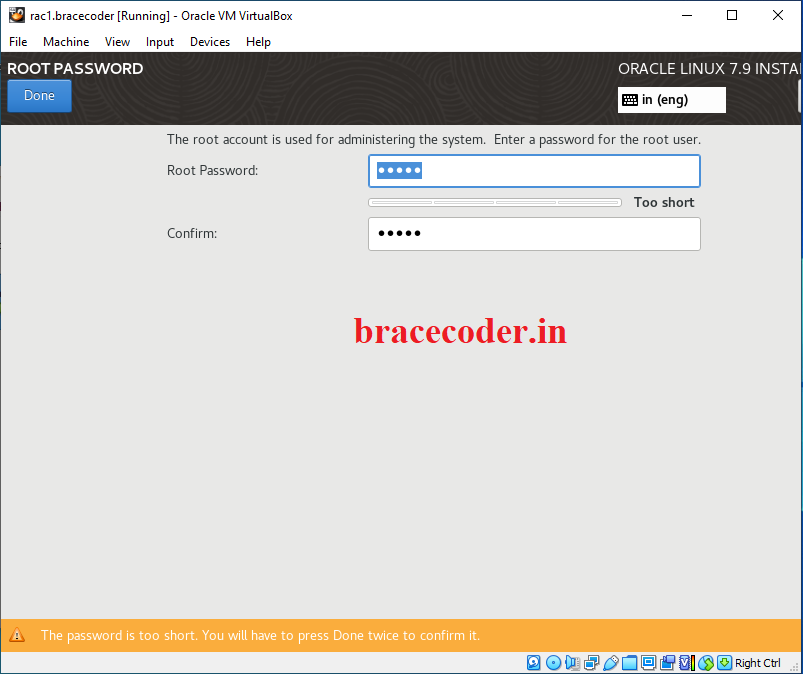
 Enter root password
 Click next button
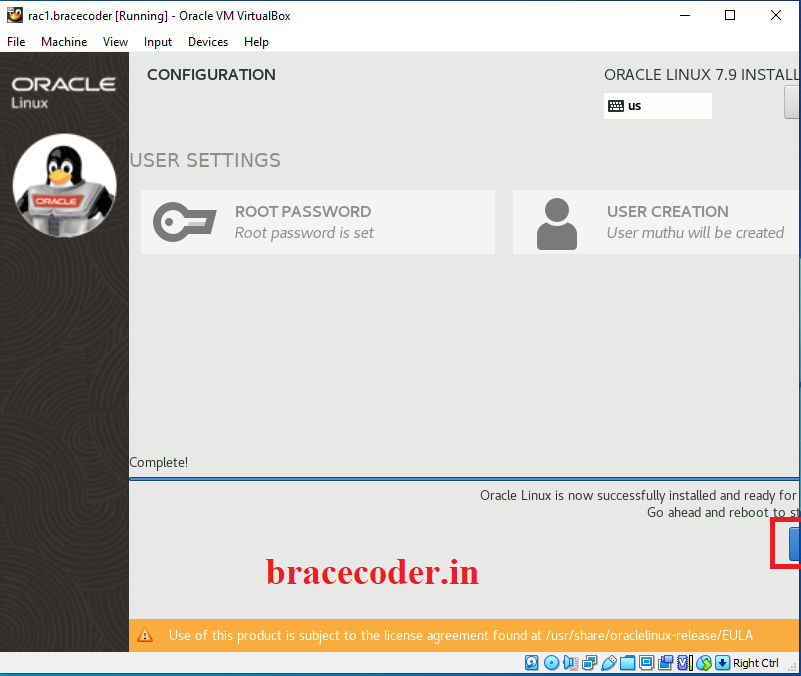 Accept licence and finish configuration
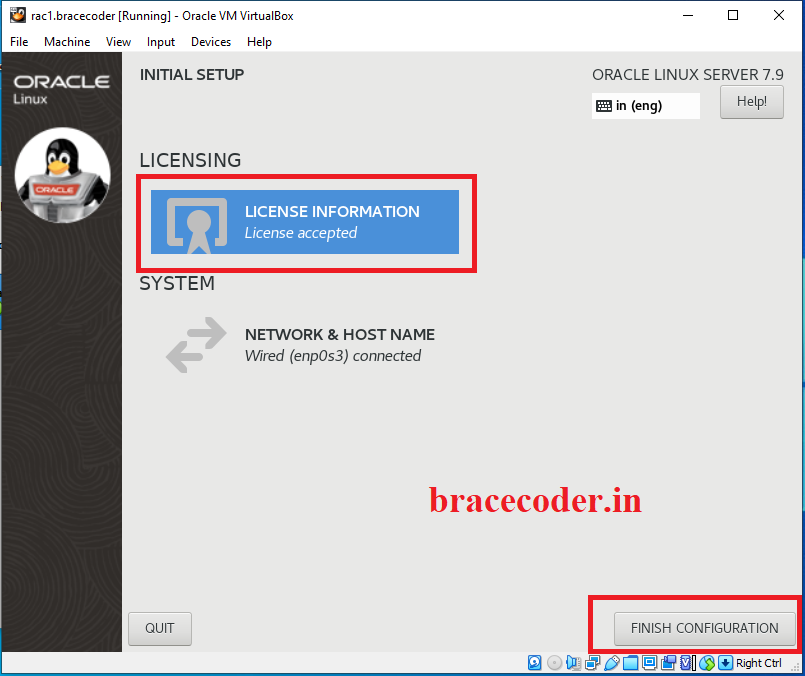 That’s it.
INFO
If you would have any questions or concerns, please leave your comments. I would be glad to explain in more details. Thank you so much for all your feedback and support!
Frequently asked questions
What is this Oracle Linux 7.9 VM used for?
It is the base VM for the RAC nodes in the Oracle 12cR1 RAC installation series. The same OS install is also a good seed for other Oracle products.
What are the next steps after installing the OS?
Continue with Part II (prerequisites: network, users, shared disks), Part III (Grid Infrastructure) and Part IV (database installation).
Why create a user with my own name during installation?
The installer requires a regular user account. The Oracle-specific users (grid and oracle) are created later, in the prerequisites part.
Comments
0Please sign in to leave a comment.
No comments yet
Be the first to share your thoughts!